



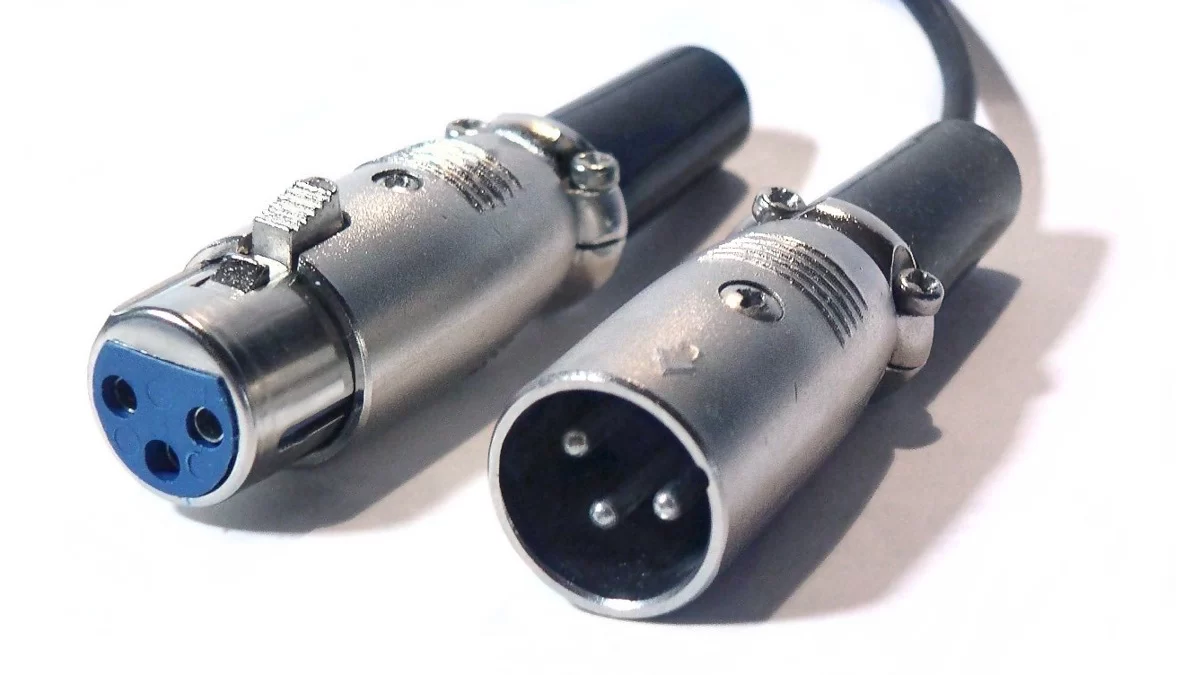

A microphone that works in a laptop's 3.5mm socket may stay silent through a simple XLR adapter. The laptop can be doing a job the adapter doesn't do: supplying the microphone with plug-in power. Before replacing a cable, find the microphone's power requirement in its manual.
Focusrite's explanation of this connection gives a useful starting point. It says microphones made for consumer devices such as cameras, laptops and headsets generally need plug-in power of around 3–5V. XLR microphones output balanced signals and may require phantom power, typically 48V, from a preamp. Signal type and impedance differ too. Joining the plugs doesn't account for all of those differences.
This is a guide based on the manufacturer's documentation. We haven't tested a microphone adapter or measured its output.
Follow the power through the connection
Take the common case described by Focusrite: a small microphone needs plug-in power. On one side of your notes, put the microphone's specified supply. On the other, put the interface's available supply. If those aren't the same arrangement, something between them must do the appropriate conversion. A listing that says only “3.5mm female to XLR” hasn't told you whether that happens.
There are adapters for the purpose. Focusrite says suitable signal-converting adapters should work with its interfaces, but adds that it hasn't officially tested them and cannot guarantee their function or sound quality. That's a limitation to keep with the advice, rather than a recommendation for any adapter bearing those connector names.
The interface's 48V switch is therefore a setting to check against the instructions, not a fix to try because the microphone is quiet. Some XLR microphones need phantom power and others don't. Establish what the particular microphone and adapter require.
Make one compatibility note
Keep these details together before ordering:
- The microphone's exact model and stated power requirement.
- Its 3.5mm contact arrangement. Our TRS/TRRS connection guide explains why a headset plug and another small jack connection may differ.
- The proposed adapter's model, supported microphone type and stated power/signal conversion.
- The interface model, intended input and required settings.
Send the missing part to the relevant manufacturer's support team, with links to the other manuals. Ask whether that complete chain is supported. Getting an answer about your named microphone is more useful than being told that two connector sizes fit.
Keep other outputs out of the microphone question
Focusrite's XLR-input guidance for Scarlett, Saffire and Clarett says their XLR inputs are intended for microphone signals. It includes suitable DI-box outputs, but warns against direct line or instrument signals and against applying phantom power to those outputs.
If the proposed source is another device's headphone output, start a separate connection check. It isn't the plug-in-powered microphone considered here. State what is sending the signal before asking which adapter to buy; otherwise an answer about a microphone's power supply can be carried into the wrong setup.