



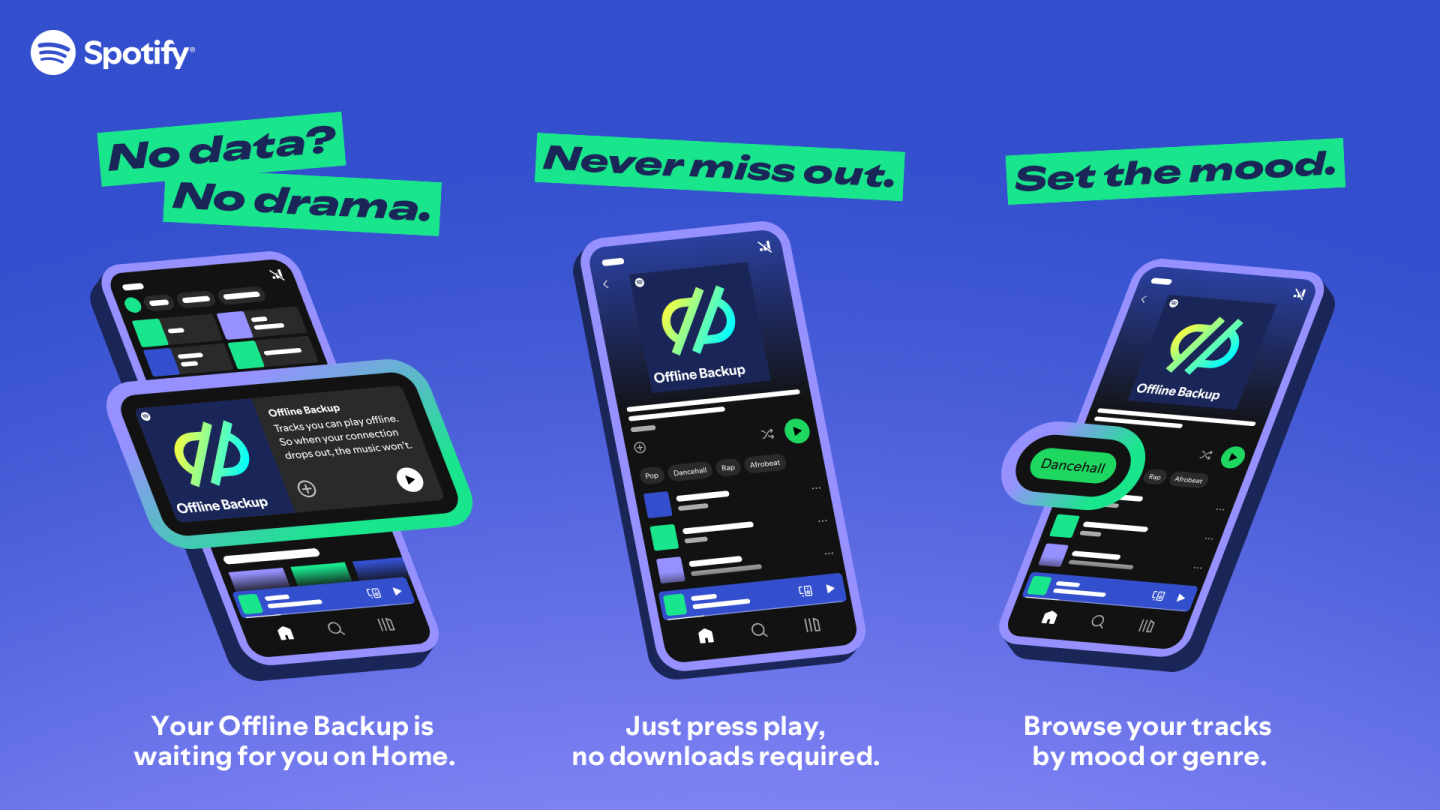
A downloaded album in a streaming app can be ready for a train journey. That does not make it the same thing as an album of music files in your personal archive. The word “download” describes a transfer; it does not, by itself, explain what access you have afterwards.
Keep the two jobs separate. Prepare service downloads for the journey, and maintain your own files with their own player and backup. This guide gives you a practical check for each before you leave home.
What the service requires
Spotify's offline documentation says Premium users can download music and must go online at least once every thirty days to keep downloads. It also identifies circumstances that can remove them, including reinstalling the app. An album that worked offline previously therefore deserves another check before a long trip.
Do that check while you still have time and a working connection. Opening the download list in the station queue is late to discover that a favourite album was never fully prepared.
Build a small departure list
Choose the music you expect to need rather than downloading everything you have ever saved. A short journey list is easier to inspect and gives you room to keep a few alternatives. Include the complete album if that is how you intend to hear it.
Then work through our worksheet. The answers concern your device today, not a promise about every future trip.
| Item | Check before departure | If it is missing |
|---|---|---|
| Correct device | The music is prepared on the phone or player you will carry | Prepare it there, not only on another device |
| Correct selection | The album or playlist is the one you intended | Open it and inspect the track list |
| Completed preparation | The app reports the download finished | Leave time for it to finish on a suitable connection |
| Offline playback | A chosen track opens with internet access unavailable | Follow the service's troubleshooting steps while still at home |
| Storage and power | The device has room and enough charge | Reduce the selection or charge before leaving |
Be careful if you temporarily disconnect a device to perform the check. Do it when you do not need it for an important call or another connected task, and restore your usual connection afterwards.
Your personal files need a different check
For a separate music-file collection, open the files in the intended player. Confirm that it supports the format and finds the album in the right order. A file existing in a folder is not the same as a successful playback check.
Our MP3, AAC and FLAC guide uses storage calculations to help choose a travelling copy. Keep the source files while making that copy. The smaller selection for the journey need not replace the archive at home.
Keep the backup outside the travel device
If the player is lost or damaged, a second folder on that same player is of little help. Keep an independent copy of the archive and test that you can open something from it. The personal-library plan makes backup maintenance a separate task from service favourites.
Write down which kind of access you prepared
A simple note can prevent confusion later: “These albums are downloaded in this service on this phone; these other albums are local files in this player.” Include the date you checked them if you prepare well before travelling.
That distinction is useful when troubleshooting. A missing service download sends you to the app and its access conditions. A missing local album sends you to file location, compatibility or tags. There is no need to solve both problems by randomly reinstalling everything.
Prepare a manageable selection, open it on the actual device and leave the home archive intact. The result you want is music that plays when the connection disappears, together with a clear idea of where the copies came from and what keeps them usable.