



If you have a record player and a pair of powered speakers, check the speakers first. Look for their analog input. It may say AUX or LINE IN. For either label, a turntable with a PHONO/LINE switch should be on LINE. You can run a cable straight from one to the other. If the deck has no switch and its manual lists only phono output, you'll need an external phono preamp between them.
Things look different with an old stereo receiver. It might offer a PHONO input as well as AUX. Both inputs often have red and white RCA sockets, so the cord can fit either one. Pick the route by label. With PHONO at the receiver, use PHONO at the turntable too. The receiver then uses its own phono stage to give the cartridge signal enough gain and put the bass and treble back into their playback balance. With AUX, set the deck to LINE so the turntable handles that work before the signal reaches the receiver. Sony spells out these switch settings. On some older models marked EQ, the equivalent of using the deck's phono output is turning EQ off.
Read what the two ends say
A player set to LINE and plugged into AUX is a complete setup as it stands. Buying an external preamp would give you another component doing the same job. The preamp is useful in a different case: your turntable only sends phono and your stereo only accepts line-level audio. Then the lead from the deck ends at the external stage's phono input, and a second lead connects its line output to AUX. The manufacturer's wiring notes cover what to do when the receiver has no phono socket.
Before you pick a box, check what cartridge you have, particularly if the deck came secondhand. A moving-magnet and moving-coil cartridge can need different settings or a different stage. Some turntables also have a separate ground wire. The manual for the stage will tell you whether there's a terminal for it and where to connect it. It's easier to settle this while the equipment is turned around than to guess at the cause of a hum after you've put it all back against the wall.
Two things to try before blaming the stylus
If the sound is very quiet through AUX, look at the switch on the deck. PHONO into AUX leaves out the stage. Turn the stereo down, select LINE on the deck if it has that setting, then play the same bit of the record again. If the deck has no stage of its own, use a compatible PHONO input on the receiver or put an external stage in the route.
If it sounds unnaturally loud or rough through PHONO, take the turntable's LINE output out of that input. With the volume low, either use AUX with LINE or leave the cable in PHONO and switch the deck to PHONO. Change just one thing when you compare. A Sony troubleshooting article also flags the cartridge as a cause of low level, so even a correctly labelled connection can merit a second look.
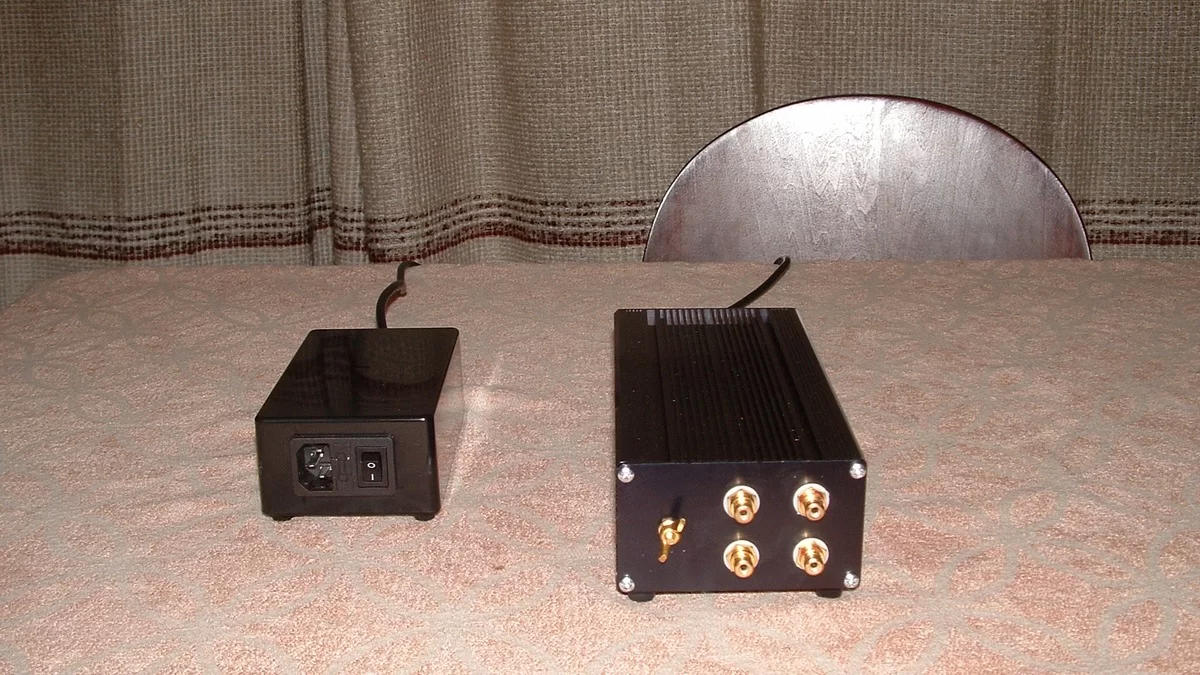
If the music sounds normal but there is still a steady buzz, work through the MP3Raid guide to checking audio hum by connection. If you're still shopping, write down the turntable's output and the input you'll use before you order anything. The answer might be a different socket you already own. The circuit described here follows manufacturer documentation. The photographed equipment illustrates an external stage and power supply.