



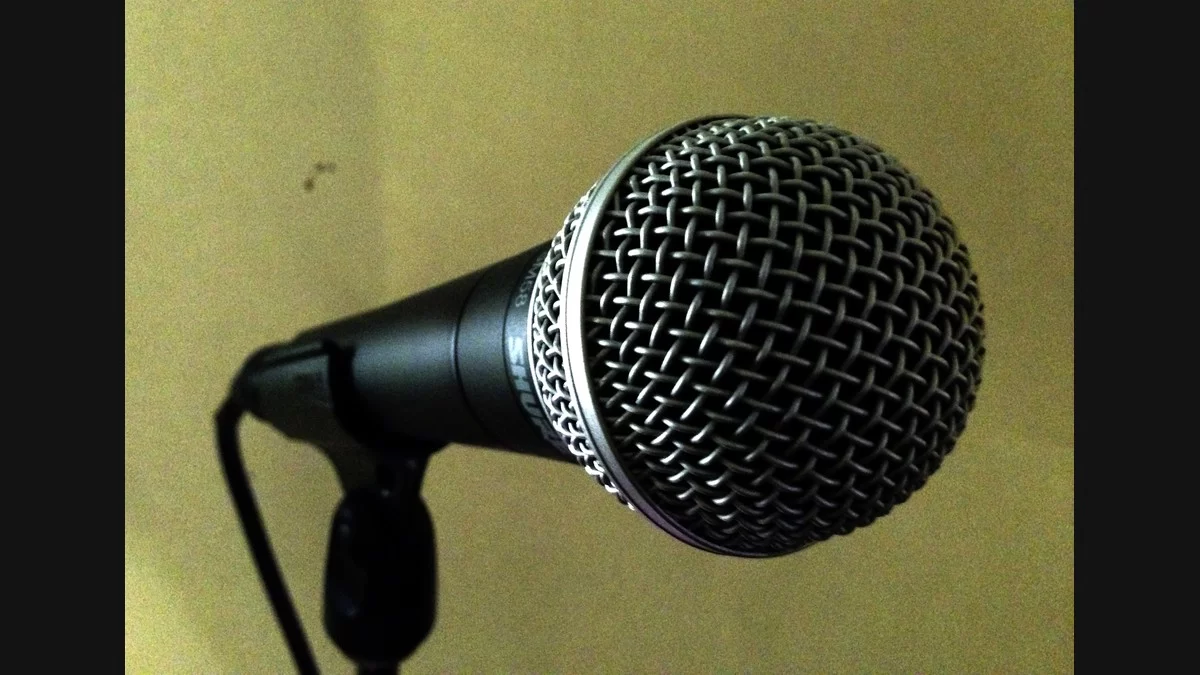
A meter can tell you that your Shure SM58 works while the headphones tell you nothing at all. Start by finding the last place you can see the voice. Play the recorded line back once you can see it on the track. If the voice is there and the problem is how it sounds, try the distance exercise below. We used Shure’s manual for this guide. MP3Raid did not physically test the SM58.
Which socket takes the SM58?
There are three pins inside the socket at the bottom of the SM58. That’s the XLR connector in Shure’s spec. Fit the female end of a balanced XLR mic cable there, and put the other end in an input marked for a microphone. If the interface has a combo socket, the XLR contacts for the microphone surround the opening that can take a quarter-inch plug. Follow the interface’s labeling if it offers more than one setting. An SM58S also has a switch on the handle. The regular SM58 doesn’t. Shure’s SM58 manual.
Suppose you plugged into channel two. You sing into the mic and the light for channel two comes on, but the track in your software is set to channel one. Select channel two as the track input and arm it. Now that the track sees your voice, the monitor control and headphone output are the next things to check if you still hear silence. MP3Raid’s headphone plug and port guide.
How much room is left on the meter?
Start four inches from the grille with the input gain low. The line you need for this check is the one you’ll sing loudest. Watch where that line peaks as you bring the gain up. On a digital meter, a peak around minus 12 dBFS means there’s 12 dB of room above it. If you were to sing that line a little louder, you could use some of that space. It’s an example, not a level to hit on every take. When the overload light comes on, lower the input gain and go back to the start of the line. The headphones have a separate volume control.
How close should you sing?
Here’s one way to choose. Keep the gain setting and record the same line from two inches and six inches. Keep the mic in place and don’t change the aim. Bring the playback levels of the clips near each other before you compare. Listen in the small pause after the line. It helps if you’re trying to tell a hard breath from room noise.
Shure says working near the grille adds bass with this cardioid mic. If the close take gets thick, test another inch of space. If the farther take brings in too much room sound, try moving closer or turning away from a reflective surface. Pick a distance you can keep up through a whole line and write it down. That small decision belongs to the voice and the room you have.