



An EP is an extended-play release, usually shorter than a full-length album. There isn’t one track count that will identify every EP, though. Four entries in a music app might be four songs, or one song presented four ways. Before changing a library tag, check what the artist actually called the release.
That is also the approach taken by MusicBrainz’s release-type guidance. It generally advises using the EP type when the artist defines the release that way. Its rules describe how to catalogue music in that database; they do not establish the rules for every streaming service or record label.
A library can look orderly and still be wrong. Moving every four-track release into an EP folder is one way to get there.
Two releases, the same sixteen minutes
Imagine a release containing four songs that each run four minutes. Its total playing time is sixteen minutes. Now imagine another release with two eight-minute tracks. That also lasts sixteen minutes, despite having half as many tracks.
These are invented examples, with no real releases attached. Four multiplied by four and two multiplied by eight get us to the same runtime. We still haven’t learnt whether either artist chose to call the result an EP.
Now change the contents of the four-track example. Keep one song, then add a radio edit, an instrumental and a remix. You still have four track entries. There is now one composition behind all four entries. Someone expecting four new songs would get a very different listening session.
MusicBrainz makes a related point about singles: some maxi-singles contain more tracks than an EP, but remain singles because their entries are alternate versions of a small number of songs. Counting alone would put those releases in the wrong box.
Keep a note you can check later
Suppose the artist’s page calls our hypothetical four-song release an EP. A useful note would preserve that description, the page address and the edition it refers to. Add “four distinct songs, sixteen minutes” as a separate observation. Now you have both the artist’s label and your reason for accepting it.
For the alternate-version example, your note might instead say “one composition, four versions.” That stays useful even before you know whether the artist calls it a single or an EP. Leave the release title and artist name alone while you check; changing those fields won’t resolve the type.
Look beyond a shortened retailer headline. An edition-specific artist or label page should give you a firmer starting point. Read the tracklist for version names, then check the total time. Each piece of evidence adds something, but there is no need to force them into a numerical rule.
If two sources disagree, record which source used which description. When editing MusicBrainz, apply its own classification guidance. Your note can preserve the disagreement without making another editor start the search from scratch.
An EP can also be live
MusicBrainz separates its main release types, including EP, album and single, from extra descriptions such as live and remix. An EP of concert recordings can therefore be tagged as both EP and live. Those labels describe different aspects of the same release.
The same distinction applies to remixed material: knowing that the tracks are remixes doesn’t, by itself, decide between album, single and EP. Our guide to compilation albums and various-artists credits covers another case where one label cannot answer every catalogue question.
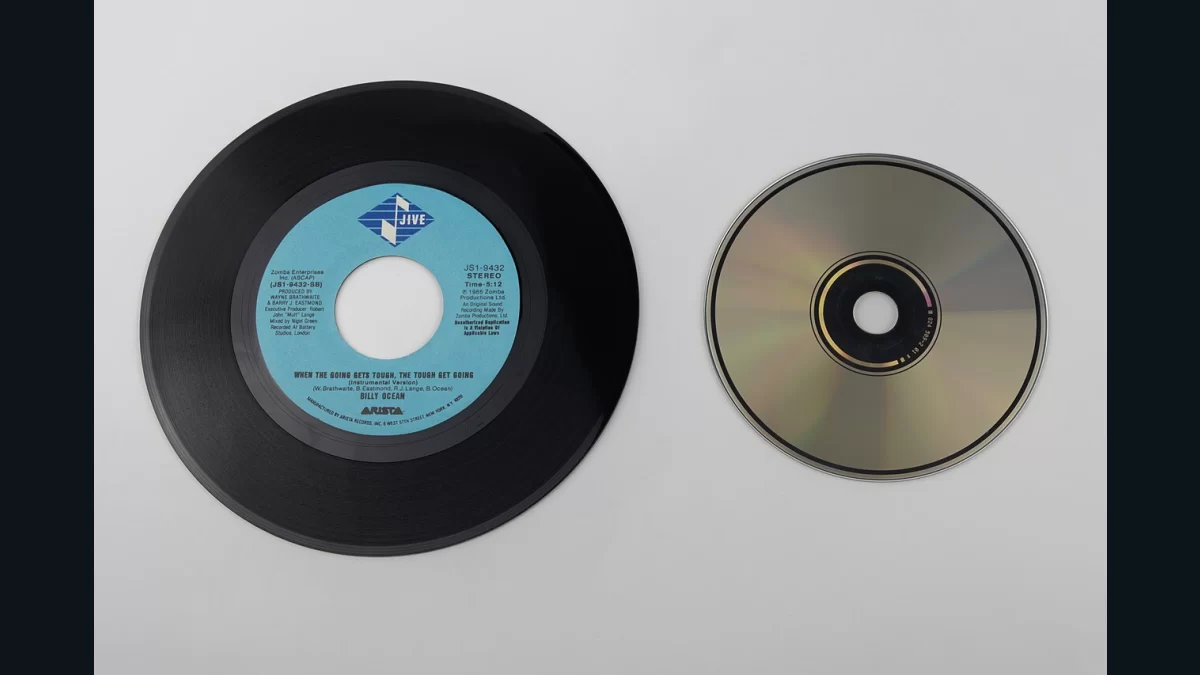
Disc size won’t settle it either. The photograph above shows a seven-inch record beside a CD; it does not identify the record as an EP. Physical carrier and release type are separate pieces of information.
The aim is to recognise the release when you return to it. “Artist calls this an EP; four distinct songs” is a checkable note. “Four tracks, so EP” hides the very assumption that needs checking.